Yudit Installation
Installing Yudit from RPM Source Package
The rpm packaged installation is very easy. Binary rpm packages my be available but I recommend that you get the source rpm and recompile. Some of the binaries may not be compatible with your system.
1. Get the the latest version of
yudit-version-src.rpm.
2. Type
rpmbuild --rebuild yudit-version-src.rpm
This will configure, compile and install the package. Watch out for errors as you may need some additional software packages. Check the location and name of the resulting binary rpm package.
3. Type
rpm --install the-resulting-binary.rpm
4. Enjoy yudit, mytool, uniprint and uniconv.
Converting soruce tarball to a binary rpm
From version 2.4.8 and above, there is a way to make rpm package directly from yudit-version.tar.gz.
1. Get the the latest version of yudit-version.tar.gz .
2. Type
rpmbuild -tb yudit-version.tar.gz
3. Type
rpm --install the-resulting-binary.rpm
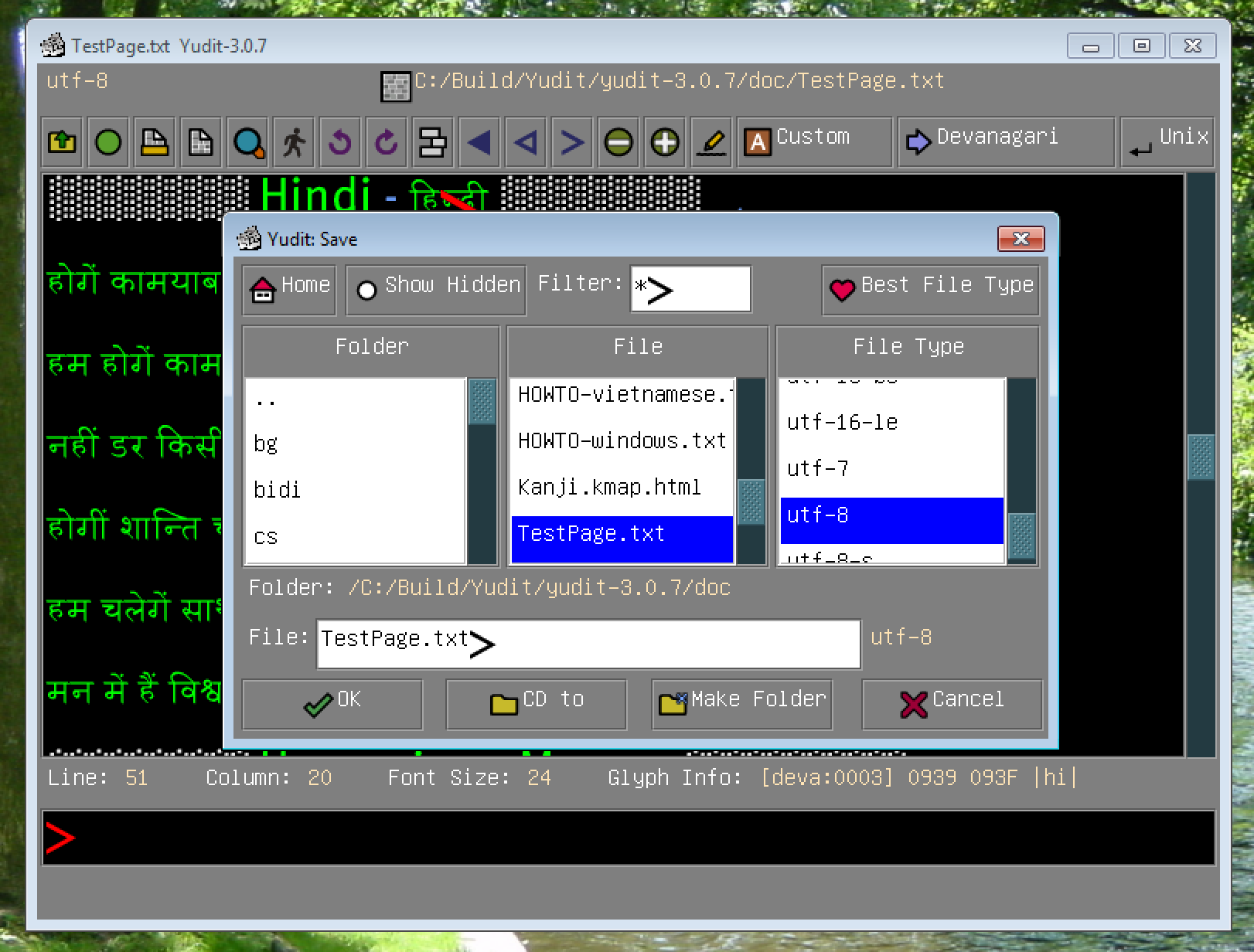
Windows installation is just one click on the executable. For configuration hints type 'howto windows' in the command area.
Installing Yudit from Source Packages
The source package installation will be necessary if you want to install the qt and motif add-ons, or if you want to customize you installation.
1. Get the the latest version of yudit-version-src.tar.gz and untar it with
tar xvfz yudit-version-src.tar.gz
2. If you need add-on packages (qt or motif) these should be untarred in the yudit-version directory.
3. Configure the Yudit with
./configure --prefix=/usr/local
Watch out for error messages. You may need some additional software packages.
4. Make the full package by typing
make
5. Install the packages typing
make install
6. Enjoy yudit, mytool, uniprint and uniconv.
Prerequisites
Yudit is as much stand-alone as it can be. Still you need the following packages to compile and use it.
- needed: any version of X Window System on Unix-like systems.
- needed: any version of GNU c++/g++ compiler.
- needed: GNU make from from http://www.gnu.org/
- recommended: UCS fonts from: http://www.cl.cam.ac.uk/~mgk25/ucs-fonts.html
- recommended: several other fonts including unifont originated from Roman Czyborra.
- recommended: Canna and Kinput2 for Japanese